If you’ve been working with Git for a while, you’ve probably experienced this:
You commit your changes, push them to the remote repository… and then notice a typo in your commit message 😑
It might seem like a small issue, but in professional projects, clean and meaningful commit messages are part of best practices just like writing clean code.
#How to edit commit message
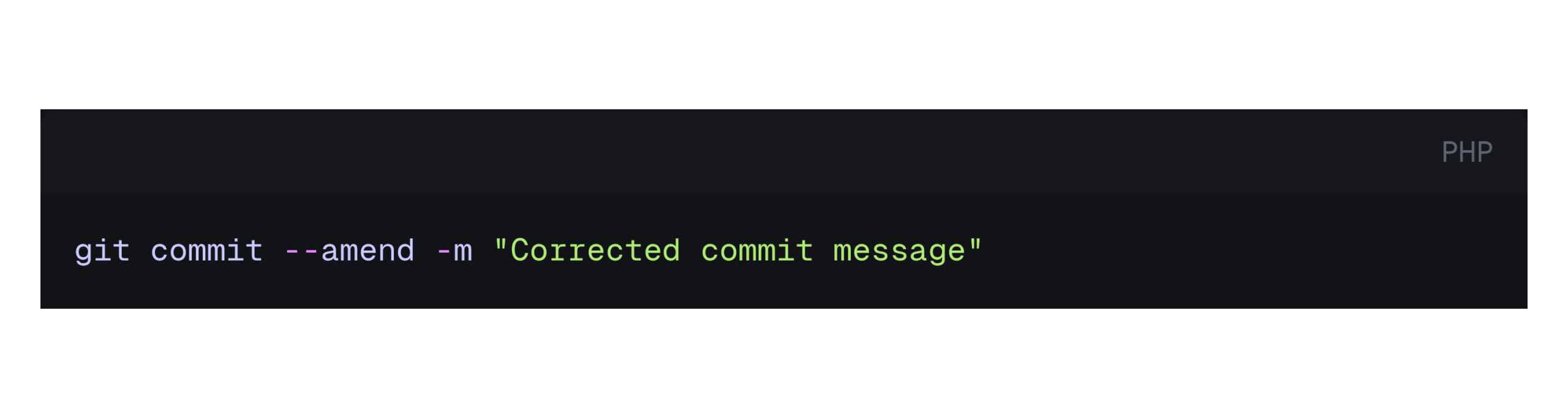
First of all, consider that you can edit the last commit. With using –amend editing commit message is possible. This command allows you to modify the most recent commit, including its message.
#What if you already pushed?
Here’s where things get a bit more serious.
If the commit has already been pushed to a remote repository (like GitHub or GitLab), your local history will no longer match the remote.
When you amend a commit, you are actually rewriting Git history. That means the commit hash changes.
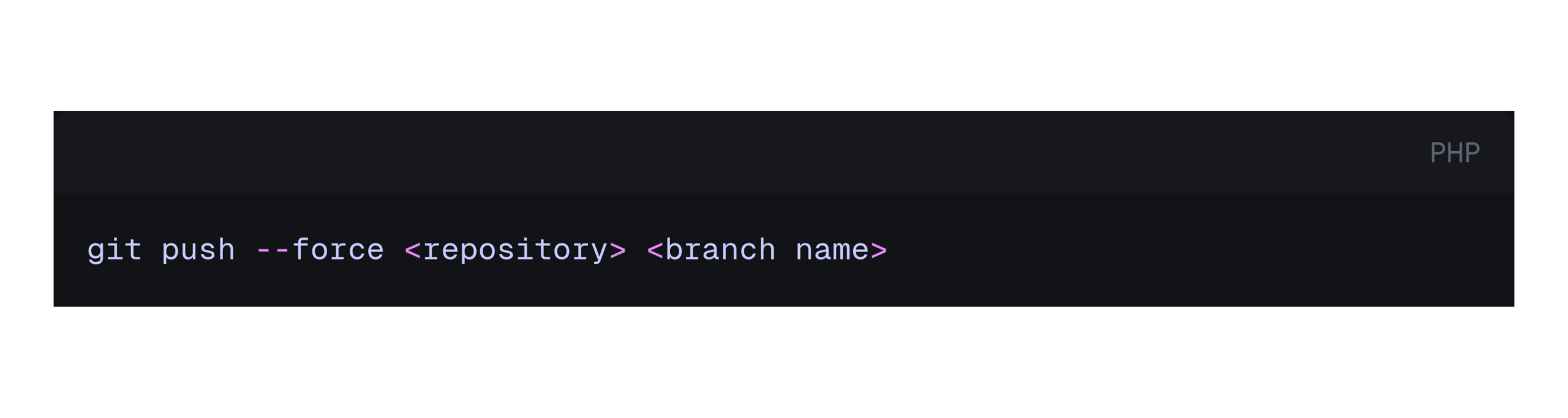
To update the remote, you’ll need to force push:
⚠️ When Is --force Safe?
Using --force is not always safe.
It’s generally okay if:
- You are working alone on the branch
- The commit has not been pulled by others
Avoid using it when:
- You’re working on shared branches (like
mainordevelop) - Other developers may have based work on that commit
In team environments, force pushing can overwrite others’ work and cause conflicts.
#So what we should do if can’t use –force ?
The alternative way is to add a new commit using --allow-empty :
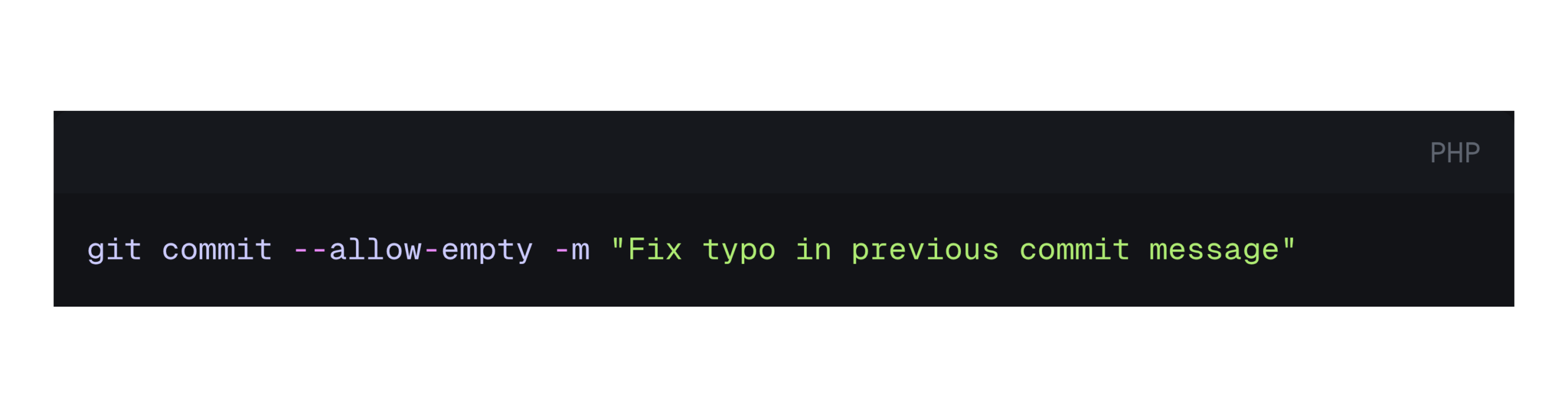
The --allow-empty flag allows you to create a commit even when there are no changes. So you can edit the message in form of new commit without any change in code base, This keeps history intact while clarifying your intent.
#Why we should care about commit messages?
A good commit message is not just a label it’s documentation.
- Helps your team understand changes quickly
- Makes debugging and code reviews easier
- Keeps your project history clean and professional
A typo or unclear message can reduce clarity, especially in larger teams.
💬 Have you ever run into issues because of a bad commit message?
Share your experience in the comments what went wrong, and how did you fix it?