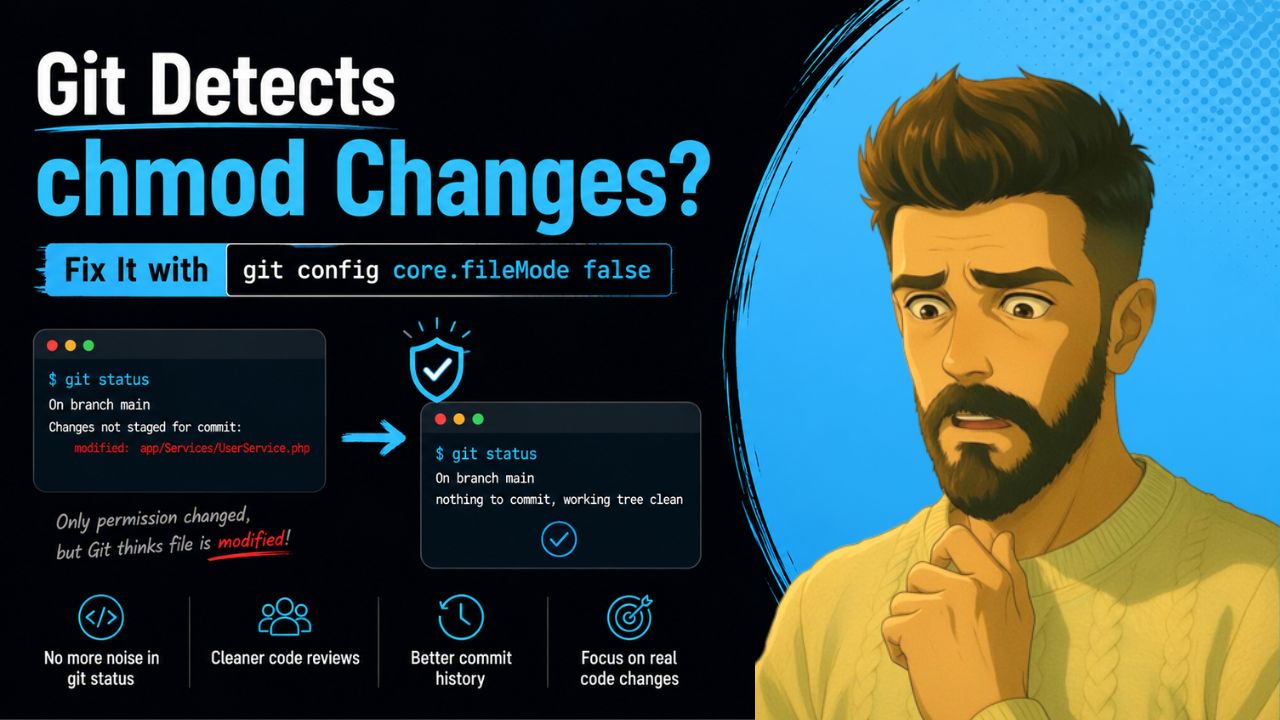
Have you ever run chmod on a folder or file in Linux, only to open git status and see a long list of modified files, even though you didn’t change a single line of code?
This is a common frustration for developers working with any project on Linux. Git is tracking file permission changes (the executable bit), not actual content changes. These “ghost” modifications can clutter your status, create noisy commits, and mislead code reviews.
Fortunately, there’s a simple and permanent solution:
git config core.fileMode false# Why Does Git Show Permission Changes After chmod?
On Linux and macOS, every file has permission bits (read, write, execute). When you run something like:
chmod -R 755 app/you are changing the file mode. Git stores the file mode (especially the executable bit) in the index. By default, Git considers a change in file mode as a modification, even if the content of the file is 100% identical. That’s why you see changes in git status. even though the actual code hasn’t changed. These false positives can:
- Pollute your git status and git diff
- Create unnecessary noise in pull requests
- Confuse reviewers who think real code was modified
- Lead to accidental commits of permission-only changes
# The Solution – Disable File Mode Tracking
Git provides a configuration option specifically for this situation:
git config core.fileMode falseThis tells Git to ignore changes to the file mode (permissions) and only track actual content changes. Run this inside your project. This setting is stored in .git/config and only affects the current repository.
If you want to apply it globaly to all repositories, then run :
git config --global core.fileMode falseYou can read more about git.config in git official website here