
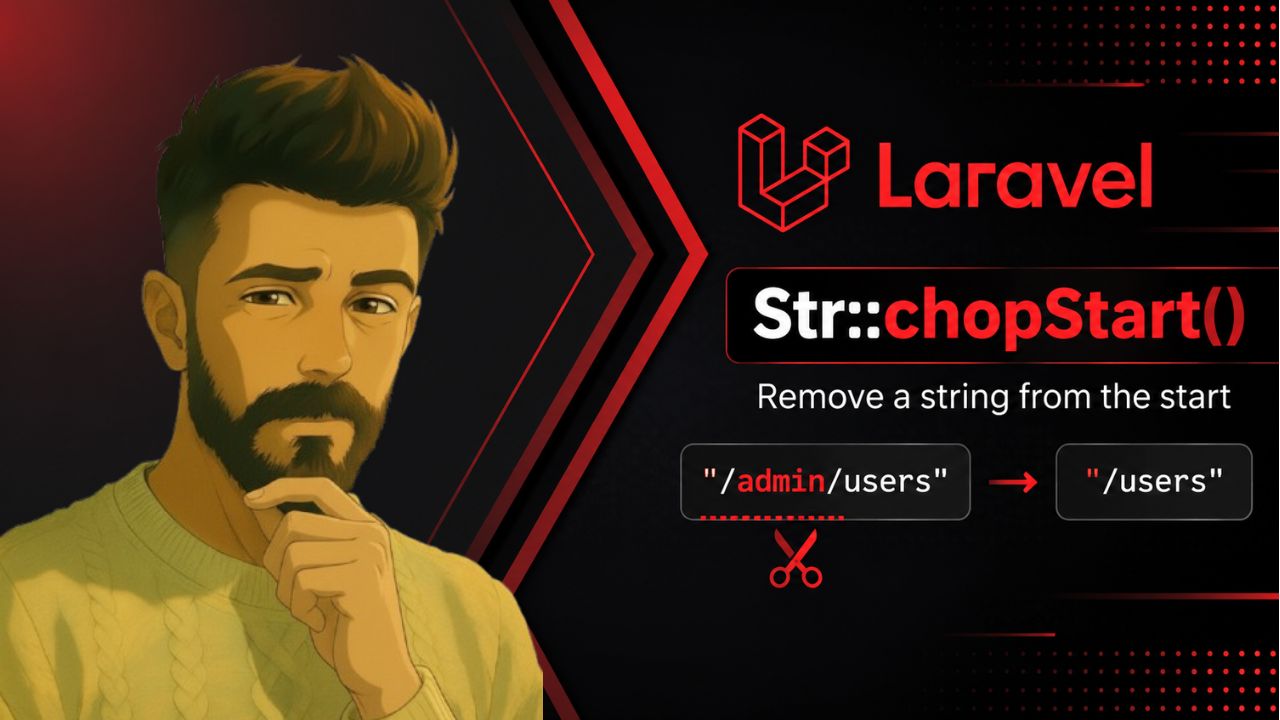
Laravel provides many useful string helpers through the Illuminate\Support\Str class. One of them is Str::chopStart(), which makes it easy to remove a specific string from the beginning of another string.
It is especially useful when working with prefixes such as URL paths, file names, namespaces, or other formatted strings.
# What Is Str::chopStart() in Laravel?
The Str::chopStart() method removes the given value from the start of a string if it exists.The basic syntax is:
use Illuminate\Support\Str;
$result = Str::chopStart($string, $valueToExtract);
For example:
use Illuminate\Support\Str;
$url = '/admin/users';
$result = Str::chopStart($url, '/admin');
# $result = /users
The /admin prefix is removed because it appears at the beginning of the string.
# What If the String Doesn’t Start With the Given Value?
If the string does not start with the value you want to remove, Str::chopStart() leaves the original string unchanged.
use Illuminate\Support\Str;
$result = Str::chopStart('/users', '/admin');
# $result = '/users'
This makes the method convenient when you only want to remove a prefix if it is actually present.
# Str::chopStart() vs Str::replace()
You could technically use Str::replace() to remove text:
Str::replace('/admin', '', $url);But this can remove /admin wherever it appears, not specifically at the beginning. For example:
$url = '/users/admin/settings';
$result = Str::replace('/admin', '', $url);
# $result = /users/settings
With Str::chopStart(), the operation specifically targets the beginning of the string:
$result = Str::chopStart($url, '/admin');Since /admin isn’t at the beginning, the original string remains unchanged.
This makes Str::chopStart() a better choice when your intention is specifically

![Laravel #[CurrentUser] Attribute](https://pouyafarshidnia.com/wp-content/uploads/2026/07/current-user-attr.jpg)