When working with Laravel, performance is often a major concern. One common optimization is using bulk updates instead of loading and updating models one by one.
However, there is an important behavior that many developers overlook:
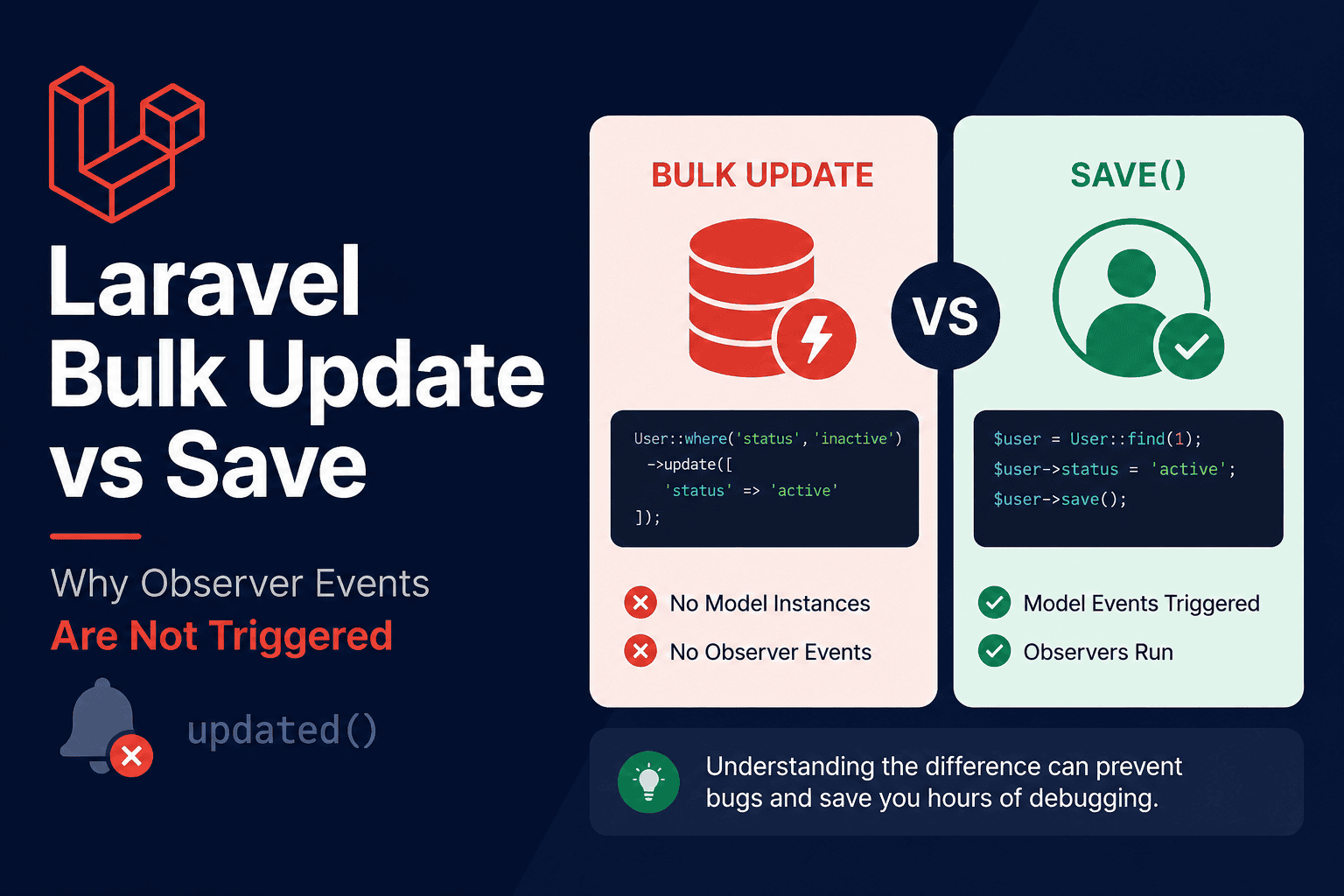
Laravel Observer events are not triggered when using bulk update queries.
If your application relies on observers for logging, notifications, cache invalidation, or business logic, this can lead to unexpected bugs that are difficult to track down.
In this article, we’ll explore the difference between save() and bulk update() operations and explain when each approach should be used.
# Updating a Model Using save()
Consider the following example:
$user = User::find(1);
$user->name = "John Doe";
$user->save();
When save() is called, Laravel works with an actual model instance. As a result, the following model events are fired:
- saving
- updating
- updated
- saved
If you have observers registered for the model, their corresponding methods will be executed automatically. example:
class UserObserver {
   public function updated(User $user): void
   {
        Log:info('User Updated', ['user_id' => $user->id]);
   {
{
In this case, the updated() observer method will run successfully.
# Updating Records Using Bulk Update
Now consider this example:
User::where('status','inactive')->update(['status' => 'active']);This query updates records directly in the database without creating model instances.
Because no model instances are created, Laravel does not dispatch model events.The following observer methods will NOT be executed:
- saving
- updating
- updated
- saved
This behavior is intentional and helps Laravel perform updates much faster.
# Why Laravel Skips Observer Events
Bulk updates are translated directly into SQL statements. It does not call a foreach loop and save on each model object, it executes a single SQL query:
UPDATE users SET status = 'active' WHERE status = 'inactive';Creating thousands of model instances simply to fire events would dramatically reduce performance. For this reason, Laravel bypasses the Eloquent lifecycle entirely.
# Real-World Problems This Can Cause
if your application relies on observers to:
- Clear caches
- Write audit logs
- Send notifications
- Synchronize data with external services
- Update related records
You may write a bulk update expecting everything to continue working, But since the updated event is never fired, any observer logic attached to the Order model will be skipped. The database records will be updated correctly, but important side effects may never happen.
This often results in subtle bugs that appear much later in production.
# When Should You Use save and when use bulk update?
Use save() when:
- Observer events are required.
- Model lifecycle hooks are important.
- Business logic depends on model events.
- The number of records being updated is relatively small.
Use bulk updates when:
- Performance is critical.
- Large numbers of records must be updated.
- You do not need model events.
- Observer logic is not required.
# Best Practice
Before using a bulk update, ask yourself:
Does my application depend on any Observer, Event, or Model Lifecycle logic for this model?
If the answer is yes, bulk updates may cause unexpected behavior.
Many production bugs originate from developers assuming that updated() observers will run after a bulk update operation.
Understanding this distinction can save hours of debugging and help you choose the right approach for both performance and correctness.
# Conclusion
Both save() and bulk update() have their place in Laravel applications.
save()triggers Eloquent events and observers.- Bulk
update()does not trigger Eloquent events or observers.
Bulk updates are significantly faster, but they bypass the model lifecycle completely.
Whenever you use a bulk update, make sure your application does not rely on observer methods such as updated(), saving(), or saved(). Otherwise, critical business logic may never execute.